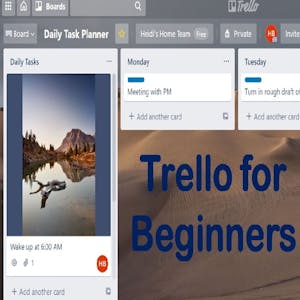
Trello for Beginners
About this course
How do you organize your teams or projects remotely or in the office? Trello’s main home page says that they help teams work more collaboratively and get more done. Trello’s boards, lists, and cards enable teams to organize and prioritize projects in a fun, flexible, and rewarding way. A buzz word in the business world today is iterative and many people want to learn how to be more agile. Kanbans were developed in Japan as a scheduling system for lean manufacturing and just in time manufacturing. An industrial engineer who worked at Toyota developed Kanban to improve manufacturing efficiency but many software companies have taken the idea and run with it as well. If you learn about a Kanban using a Trello Board as a visual system for managing work as it moves through a process, you can start to explore what these buzzwords mean to you and for your organization. By the end of your time in this project you will have a Trello board that you can use to help organize your projects at home and at work. Note: This course works best for learners who are based in the North America region. We’re currently working on providing the same experience in other regions.
63/100
CourseAsk score
- What the provider tells you
- 39/45
- Who stands behind it
- 8/35
- How complete the listing is
- 16/20
Scores how much the provider publishes and who stands behind it — not how well it is taught.
What you'll learn
- Understand how to create and manage Trello boards
- Learn the principles of Kanban for project management
- Apply Trello to organize projects effectively
Course objectives
- Develop a personalized Trello board for project management
- Explore agility and iterativeness in teamwork
Price shown by Coursera — confirm on their site.
Enroll on CourseraYou'll be redirected to Coursera to complete enrollment.
- Listed & compared by CourseAsk
- English · 0

 Udemy
Udemy



 Coursera



Compared on these lists
Where this course ranks against the alternatives.