Coursera
MOOC / Non-credit
0
HTML for Beginners: Working with Images
About this course
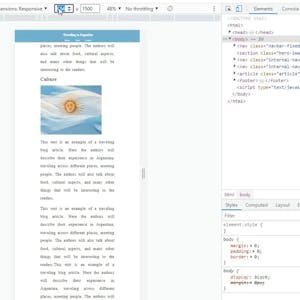
In this project you will learn how to add images to a web page and style them, create links out of images, set up image backgrounds to page sections, and make images responsive to the screen size for a responsive layout. To complete this project successfully you will need just passion, and a very introductory knowledge of HTML. This project is ideal for those who are interested in website and front-end development.
C
55/100
CourseAsk score
- What the provider tells you
- 31/45
- Who stands behind it
- 8/35
- How complete the listing is
- 16/20
Scores how much the provider publishes and who stands behind it — not how well it is taught.
What you'll learn
- embed images using the <img> tag
- apply CSS styles to control image size and appearance
- create hyperlinks that use images as the clickable element
- set background images for page sections with CSS
- implement responsive image layouts that adjust to screen size
Course objectives
- add and style images on a web page
- create image-based navigation links
- configure background images for layout sections
- ensure images are responsive across devices
Web Development
#html
#css
#responsive design
#front-end development
#web design
#image manipulation
#website creation
#web development basics
#images
#img tag
#image linking
#background-image
#media queries
#web layout
#front-end basics
$9.99
Price shown by Coursera — confirm on their site.
Enroll on CourseraYou'll be redirected to Coursera to complete enrollment.
- Listed & compared by CourseAsk
- English · 0

 Udemy
Udemy

 Coursera






Compared on these lists
Where this course ranks against the alternatives.