Deploy A Microsoft Azure Speech To Text Web App
About this course
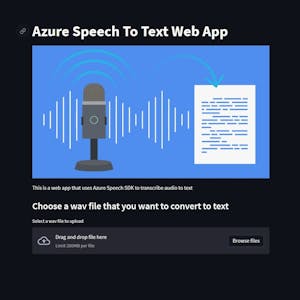
In this 2-hour-long project-based course, you will learn how to import the necessary python modules for Azure Speech to Text SDK, Create a function to transcribe audio to text, Build a web app using Streamlit and deploy the web app to Heroku. This project is a beginner python project for anyone interested in learning about how to productionize cloud speech-to-text services, Azure, particularly through a web app on Heroku and leveraging python audio modules. At the end of this project, learners will have a publicly available Streamlit web app that can transcribe uploaded audio files
55/100
CourseAsk score
- What the provider tells you
- 31/45
- Who stands behind it
- 8/35
- How complete the listing is
- 16/20
Scores how much the provider publishes and who stands behind it — not how well it is taught.
What you'll learn
- import and configure Azure Speech‑to‑Text SDK in Python
- write a function that transcribes audio files to text
- build a simple Streamlit web interface for audio upload and display of transcription
- deploy a Python web app to Heroku and obtain a public URL
Course objectives
- set up the Python environment with Azure and audio processing libraries
- implement audio transcription using Azure’s cloud service
- create a user‑friendly web front‑end with Streamlit
- publish the app on Heroku for external access
Price shown by Coursera — confirm on their site.
Enroll on CourseraYou'll be redirected to Coursera to complete enrollment.
- Listed & compared by CourseAsk
- English · 0

 Coursera


 Udemy
Udemy





Compared on these lists
Where this course ranks against the alternatives.