
Create Fun Games and School Presentations Using Scratch 2.0
About this course
ABOUT THIS COURSE Learn the basic concepts, tools, and functions that you will need to build fully functional projects with the visual programming language, Scratch. Build a strong foundation in Scratch and visual programming with this tutorial for beginners to intermediate learners. Building code using command blocks Using the coordinate system Programming fundamentals Real-life project examples Content and Overview Suitable for students age 7+, teachers, and parents who want to teach the fundamentals of visual programming to their children. Each section includes exercises, so you’ll be able to put your newly learned skills to immediate use. This is NOT a lecture about every single block in Scratch with a boring explanation! It challenges the user by going through rea
56/100
CourseAsk score
- What the provider tells you
- 32/45
- Who stands behind it
- 8/35
- How complete the listing is
- 16/20
Scores how much the provider publishes and who stands behind it — not how well it is taught.
What you'll learn
- understand the coordinate system
- create games using command blocks
- apply programming fundamentals
- develop real-life projects using Scratch
Price shown by Udemy — confirm on their site.
Enroll on UdemyYou'll be redirected to Udemy to complete enrollment.
- Listed & compared by CourseAsk
- English · 0
More courses like this
 edX
edX
Undergraduate International Degree Programmes
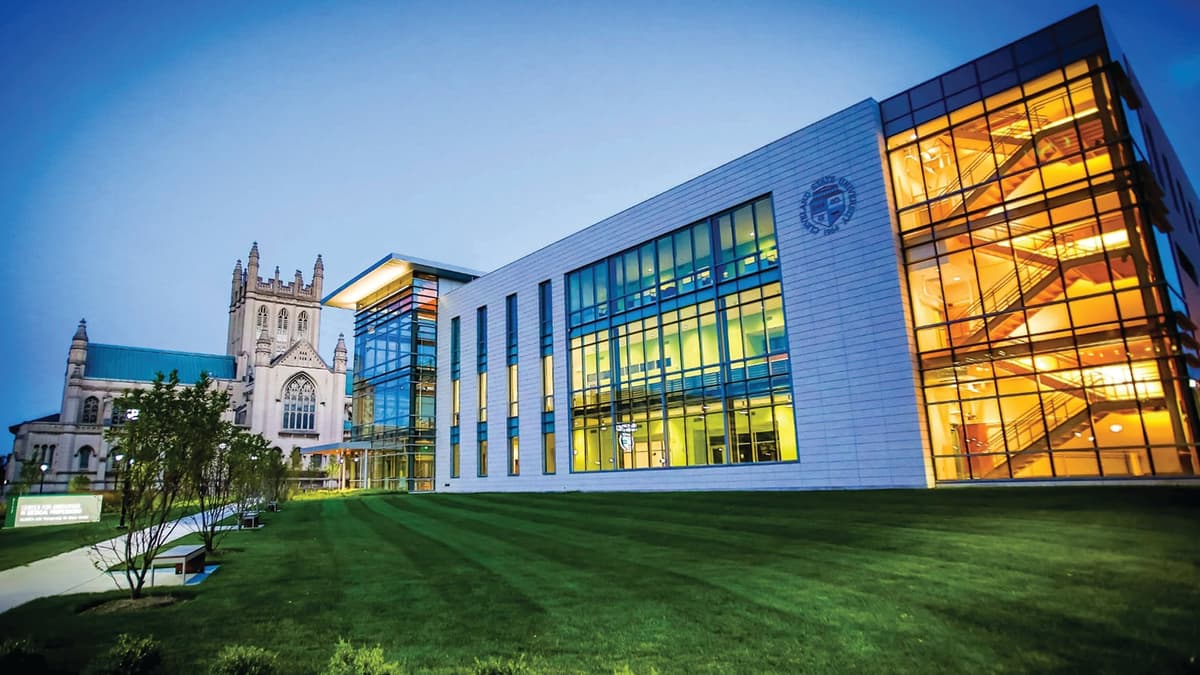
Cleveland State University · Bachelor's Degree

 Udemy
Udemy


![[마이크임팩트 GMC] 결핍 없이 욕망할 수 있는가](https://i.udemycdn.com/course/480x270/4490290_0e54_3.jpg)


Compared on these lists
Where this course ranks against the alternatives.