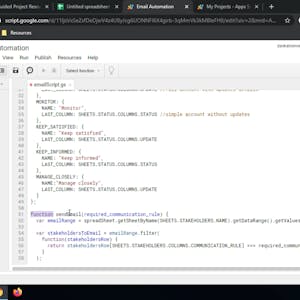
Automating Team Communication with Google Sheets and Apps Script
About this course
In 2-hours long project-based course, you will learn how to create a project plan on Google Sheets using color coded conditional formatting, set up a dynamic stakeholder communication plan with formulas, automate emails with Google Apps Script, utilize Apps Script third party libraries. Note: This course works best for learners who are based in the North America region. We’re currently working on providing the same experience in other regions.
55/100
CourseAsk score
- What the provider tells you
- 31/45
- Who stands behind it
- 8/35
- How complete the listing is
- 16/20
Scores how much the provider publishes and who stands behind it — not how well it is taught.
What you'll learn
- Create a project plan in Google Sheets with conditional formatting
- Design a stakeholder communication plan that updates automatically with formulas
- Write Google Apps Script to send automated emails
- Integrate third‑party libraries into Apps Script projects
Course objectives
- Apply spreadsheet formatting techniques to visualize project timelines
- Use formulas to drive dynamic communication schedules
- Develop and deploy Apps Script code for routine notifications
- Leverage external libraries to extend script functionality
Price shown by Coursera — confirm on their site.
Enroll on CourseraYou'll be redirected to Coursera to complete enrollment.
- Listed & compared by CourseAsk
- English · 0

 Udemy
Udemy



 Coursera



Compared on these lists
Where this course ranks against the alternatives.